Where to Find S2S Postback Logs in Trackers
When contacting our platform support team, you may be asked to provide S2S postback logs. They help to identify and resolve issues faster and more accurately, for example, if conversions are missing or coming through incorrectly.
The location of S2S logs may vary depending on the tracker and its version. Below are general recommendations and examples for popular trackers.
General Recommendations
- S2S logs are usually located near the conversion or postback information.
- If you cannot find the required section, contact your tracker’s support team. They can provide the logs or guide you to the right location.
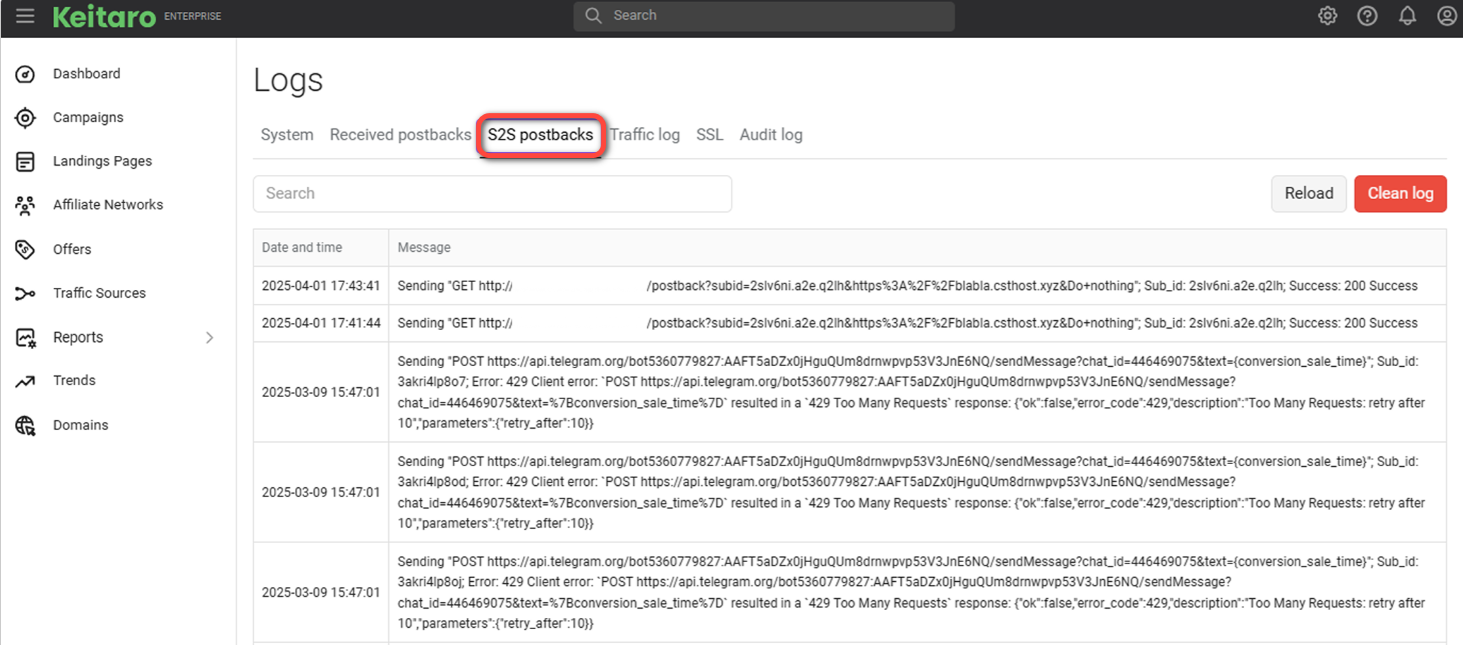
Keitaro
Path to logs: Maintenance → Logs → S2S postbacks
Filter postbacks by our domain https://tools.zm.app
Binom
Path to logs: Conversions → Logs
Filter postbacks by our domain https://tools.zm.app

RedTrack
Path to logs: Logs → S2S postback

Some trackers store logs for a limited time. When reviewing logs, it is helpful to select the desired time period and filter by campaign or status to quickly find the required events.
If you do not see postbacks in the logs, make sure the integration is set up correctly and contact your tracker’s support team if needed.