Quick Start
To get started with the ZM apps service, follow these simple steps:
-
Go to the ZM apps website.
-
Choose your preferred registration method:
- via email: enter your email address and confirm it,
- via Telegram: click the "Log in via Telegram" button and follow the instructions.

- Wait for your registration request to be approved.
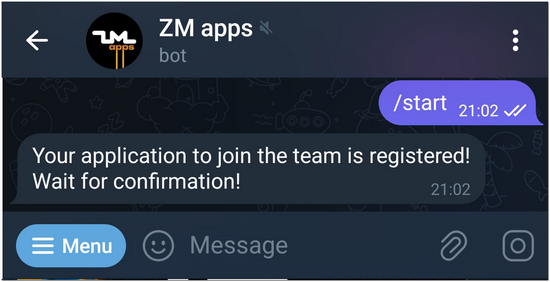
- Once your request is approved, you will receive a notification and can start using the service.
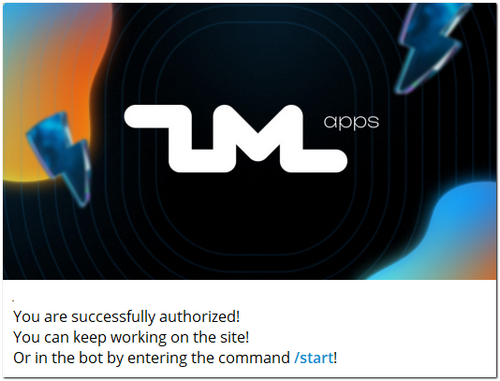
Please note:
Access to service features becomes available only after your account is activated.
- In the future, you can log in using any of the available methods — email or Telegram.
Need help?
If you have any issues with registration or login, please contact ZM apps support via the Telegram bot.