Applications
This section lists all the available apps that you can use to set up your flow. Each app has detailed information to help you understand its features and choose the one that best fits your needs.
How to work with this section:
- Start by selecting the platform – iOS or Android.
- Sort apps by date or popularity.
- If you know the name of the app, type it in the search bar.
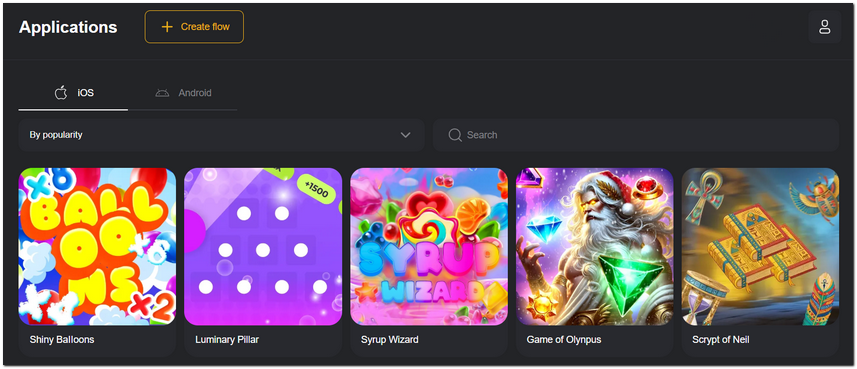
-
Click Learn more to view the app’s description.
-
In the app card, you’ll also find a link to the store (App Store or Google Play) where you can copy the app bundle.
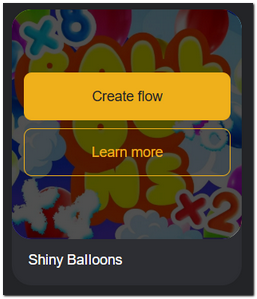
- Click Create Flow to set up a new flow for the selected app.
Info
To learn more about creating and setting up a new flow,
check out our guide.