Playables
Playables are interactive HTML5 ad creatives that allow users to engage with a mini-game directly inside an advertisement. Before installing the app, users can try the gameplay mechanics: open a chest, spin a wheel, catch a fish, or win a lottery prize.
Unlike prelanders, which are shown after clicking a link, playable ads are uploaded directly into ad networks as a single HTML file with embedded assets and scripts.
Overview
Playable ads are commonly used to:
- Increase engagement. Users do not just watch the ad — they interact with it. This increases contact time with the creative and improves memorability.
- Warm up the audience. A playable demonstrates the product in action, so users immediately understand what awaits them after installation.
- Improve traffic quality. Installs from playables usually result in more active users because people are already familiar with the mechanics and intentionally proceed to download.
- Meet ad network requirements. Many ad networks prioritize interactive formats and provide them with better reach.
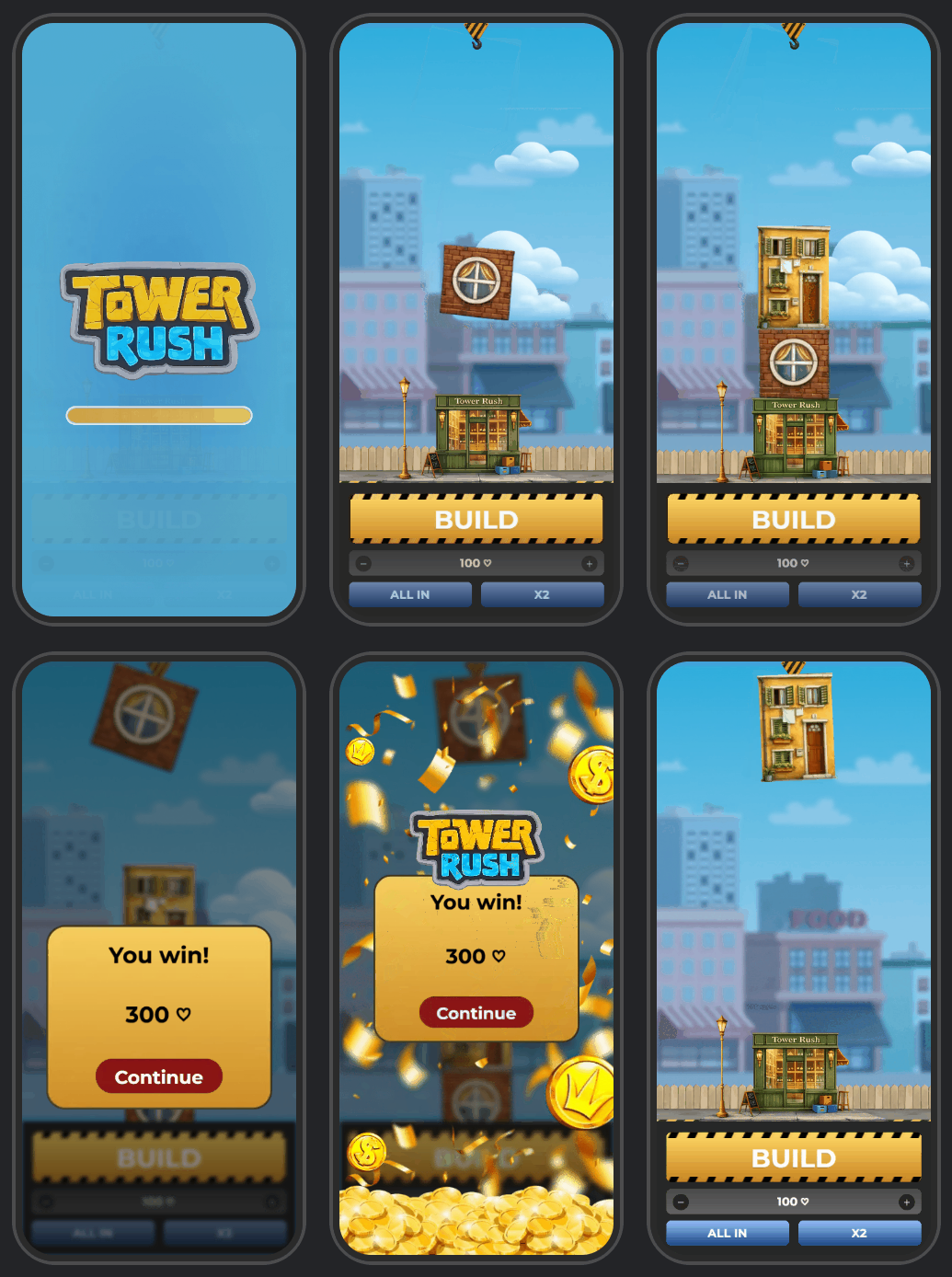
Working with playables in ZM apps
In ZM apps, you can independently build playable ads using ready-made mechanics and themes. The builder automatically packages all assets, settings, and ad network scripts into a single HTML file ready for upload.
The dashboard includes ready-made templates for popular game mechanics: classic formats (chests, wheel, lottery) and trending new formats (Ice Fishing, Tower Rush, Plinko, Chicken Road, and others).
How to create a playable
To build a new playable, follow these steps:
-
Go to the Playables section and click Create.
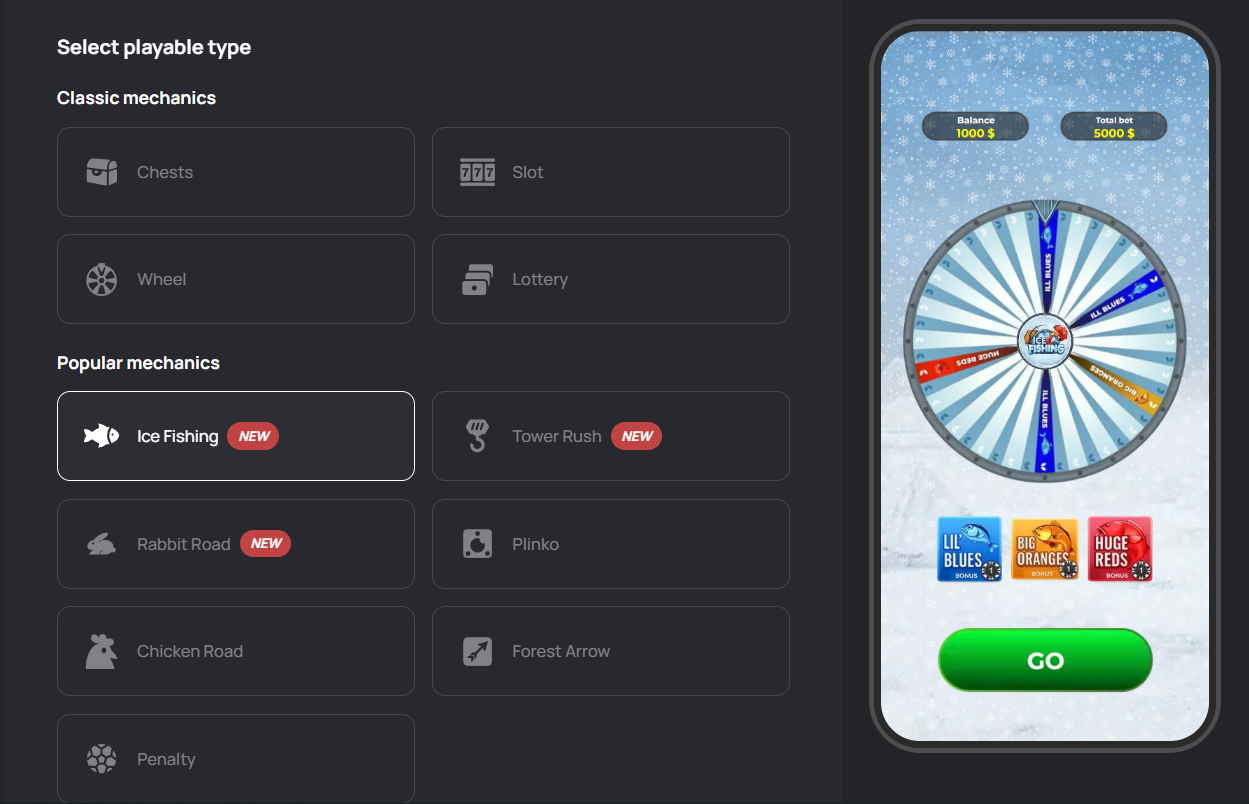
A page with settings and an interactive preview will open — you immediately see how the creative will look on a device screen.
-
Enter the template name.
-
Select the number of mechanics: one or a combination of two.
NoteIf two mechanics are selected, they will launch sequentially, one after another.
-
Select a playable type from the list of classic or popular mechanics.
-
Choose a visual theme suitable for your advertising campaign.
-
Optionally upload a logo.
-
In the Playable settings block, customize the texts for the selected mechanic: game element labels, the title and description of the winning popup, and the button text.
-
Save and download the finished playable.
Done! The HTML file with the completed creative will be saved to your device. The template will also appear in the general playables list, and if necessary, you can return to it later, make changes, and rebuild the file.
Uploading to ad networks
The finished playable is a single file containing all embedded assets and ad network SDK scripts. This allows you to use the same file across different platforms without additional preparation.
At the moment, the builder supports the following networks:
- Facebook (Meta Ads)
- TikTok Ads
- Moloco
The upload process depends on the specific network: in some cases, you can upload the HTML file directly through the ad dashboard, while in others you may need to package it into a ZIP archive or specify additional creative parameters (orientation, target URL, dimensions).
Before uploading, review the current requirements for playable creatives in the official documentation of the selected ad network.