Google Ads campaign
1. Create a flow in the bot or in your ZM apps account.
First time creating a flow?
We made a step-by-step guide to help you set it up for:
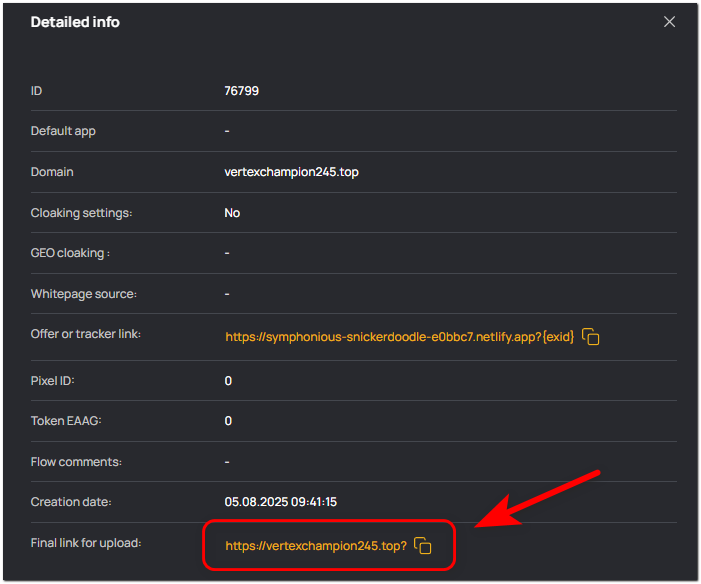
2. Copy the final ZM apps link — you will need it for the setup.
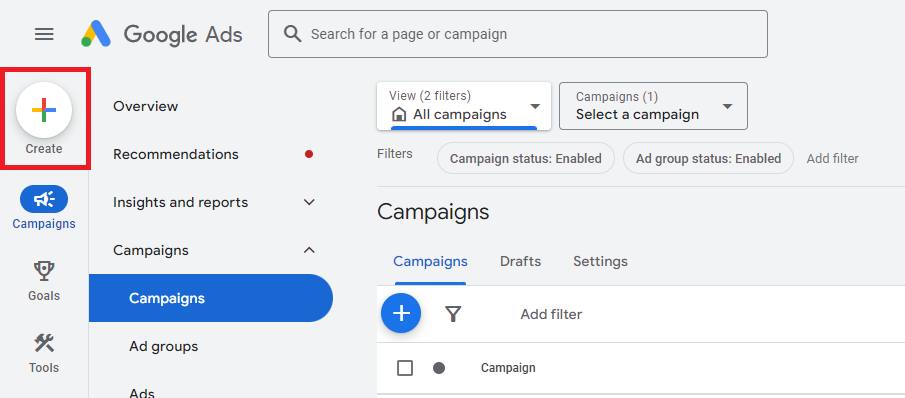
3. Go to Google Ads and click Create Campaign.
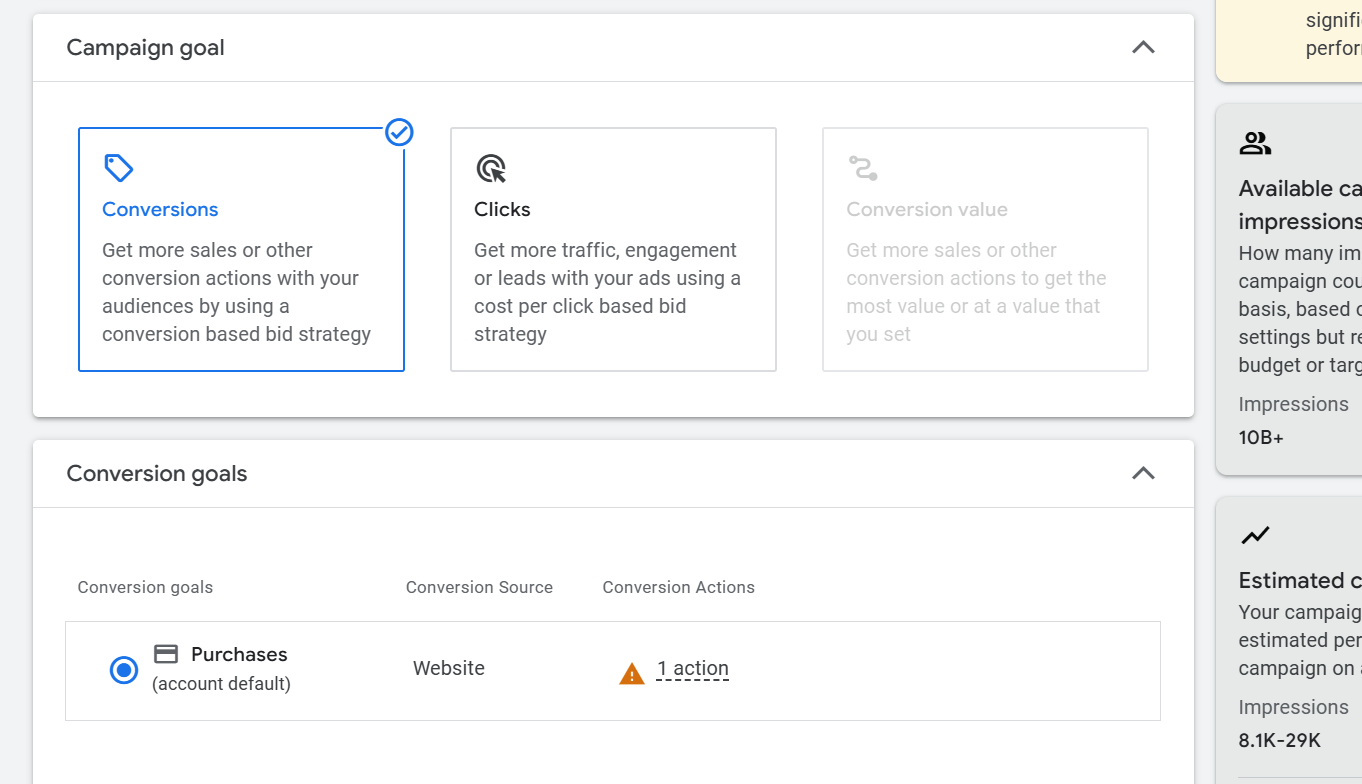
4. Choose the campaign goal:
- Sales
- Leads
- Website Traffic
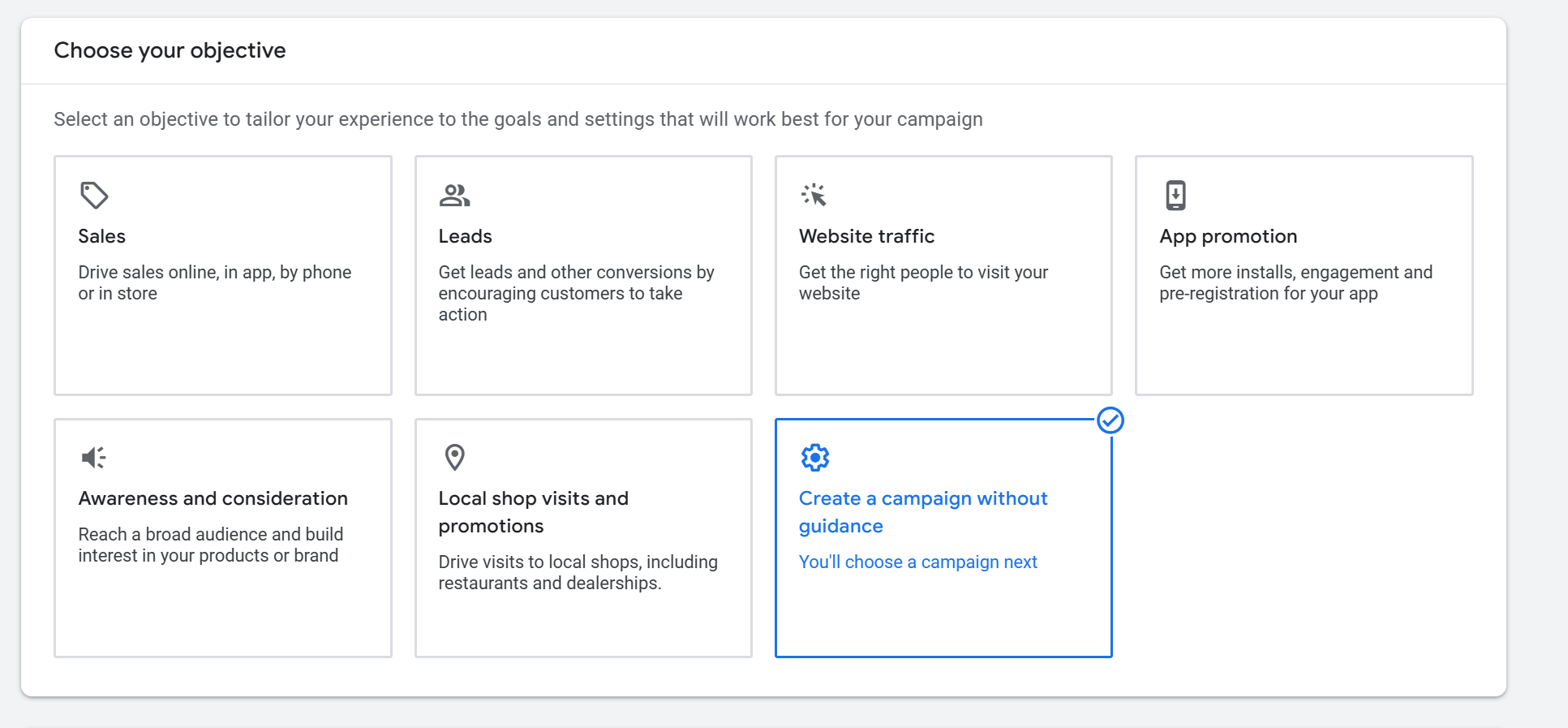
Or create a campaign without a goal for now.
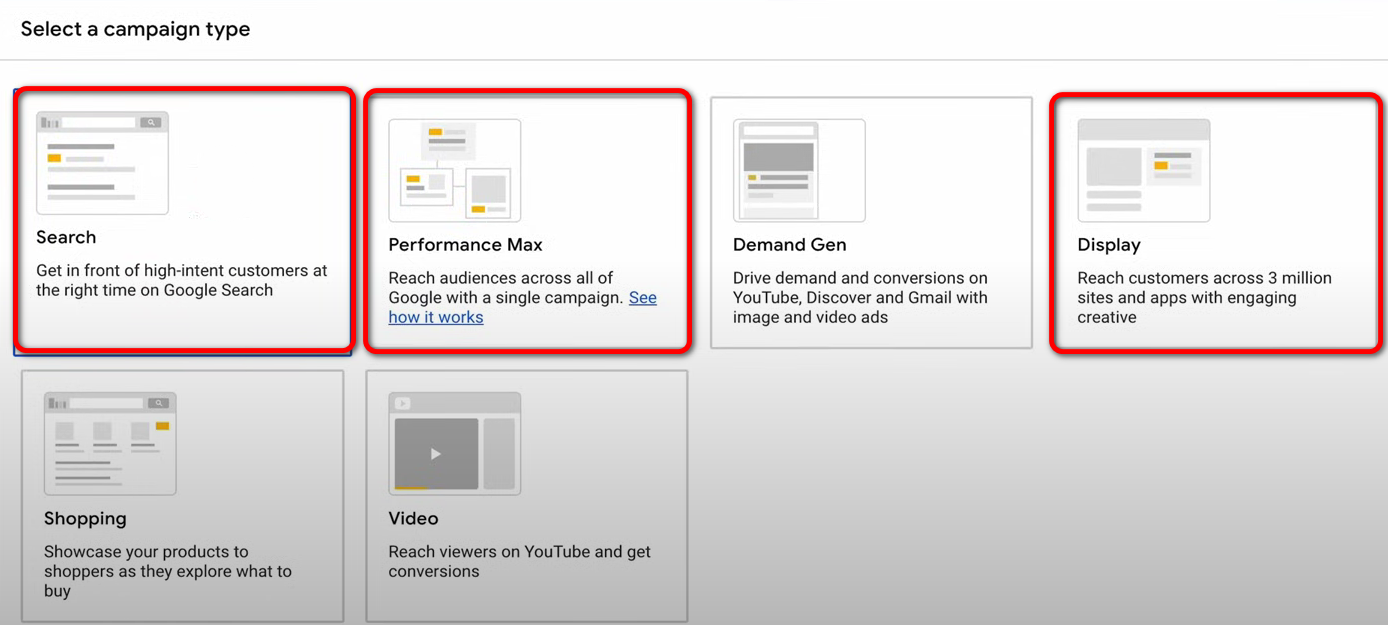
5. Select the campaign type: Search Network, Performance Max or Display.
6. Set campaign objectives
Pick a goal that works for you and choose a conversion goal.
7. Enter basic campaign settings:
- Location (Geo)
- Budget
- Audience, etc.
8. Go to Ad Settings.

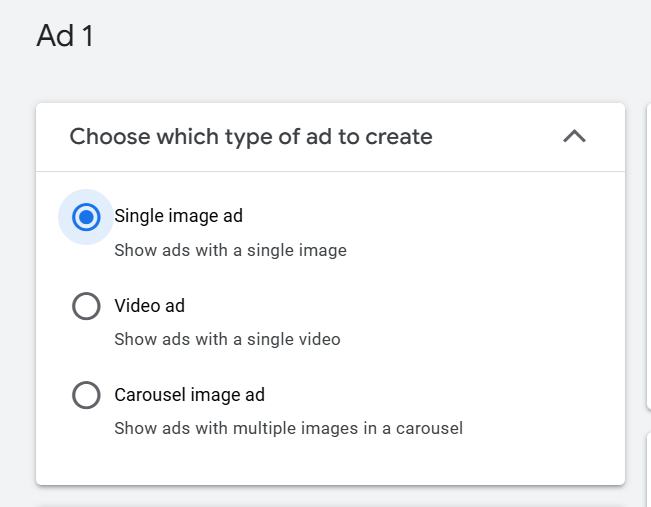
Choose ad format:
-
Images
Upload your creatives (up to 20). Formats allowed: horizontal, square, or 4:5. -
Carousel
One ad can have up to 10 cards. -
Video ads
Needs a YouTube link. Upload your video to your channel and add the link.
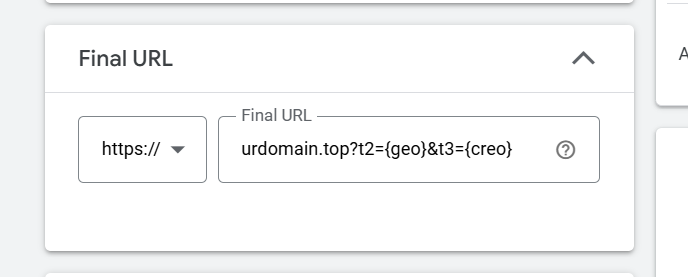
9. Paste the link from the bot or your ZM apps account into Final URL.
Done! Your Demand Gen campaign is ready. Now you can start ads and track results in Google Ads.