Connecting Google Tag Manager to a PWA
You can add a GTM container to your PWA built with ZM apps.
Follow these steps:
1. Get your GTM ID (Container ID)
- Open Google Tag Manager.
- Create a new container and choose the Web platform.
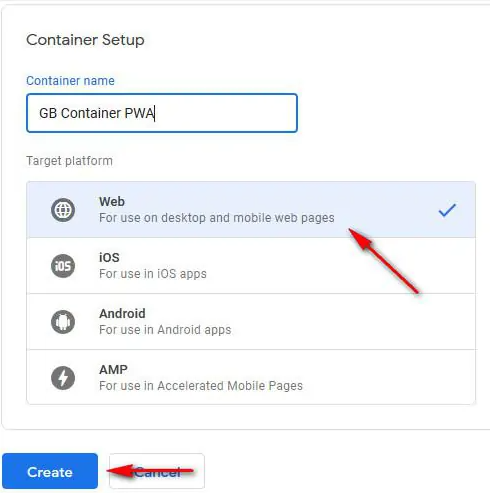
- Go to Workspace and copy your Container ID (format: GTM-XXXXXXX) from the top of the page.

2. Send a request to ZM apps support to connect your GTM container
Please provide:
- Your PWA domain.
- Your PWA hash ID.
- Your GTM Container ID.
Once we connect your GTM container to the PWA, you’ll be able to add tags and configure triggers directly in the GTM interface.