Integration of X Ads and Appsflyer
1. Submit a request to ZM apps support
Include the following details in your request:
- Your agency in Appsflyer
- The app you want to integrate
- Source: X (Twitter) Ads
After your request is processed, you will be granted access to create your own integration in Appsflyer.
2. Configure Appsflyer
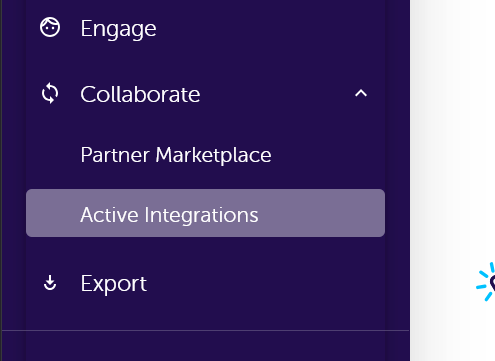
- Open the sidebar menu → Collaborate → Active Integrations.
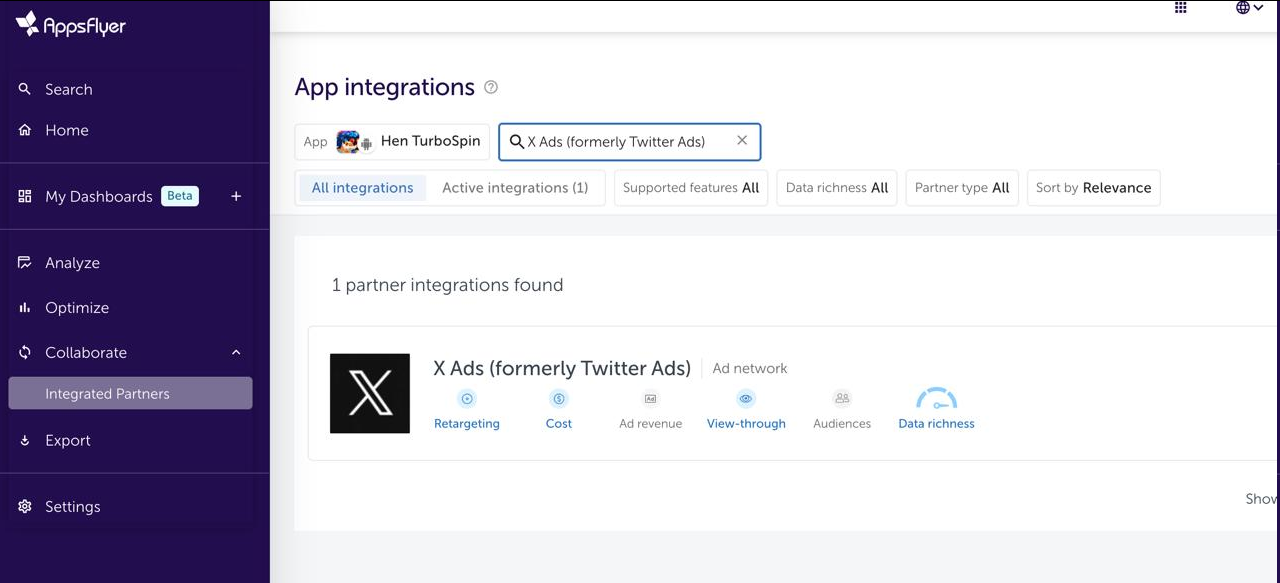
- Select the required app from the list.
- Enter X Ads in the search bar.
- Add the found partner and activate it.
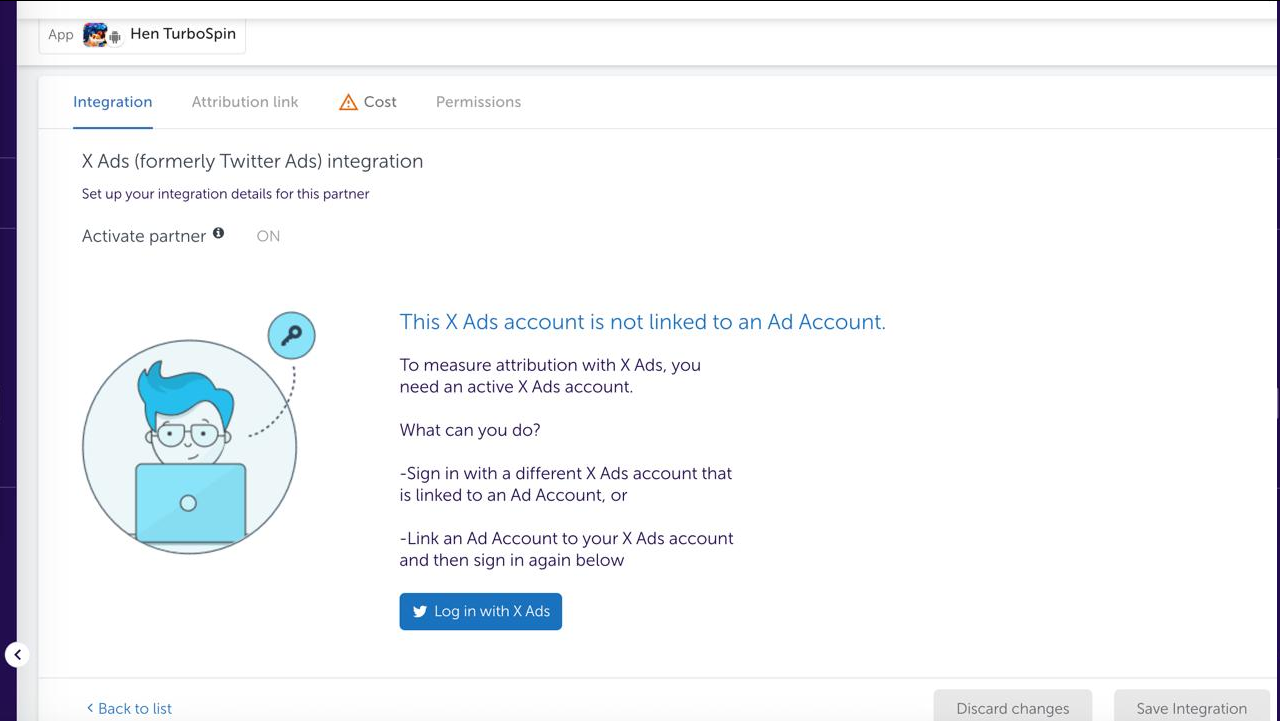
3. Link your X Ads account to Appsflyer
4. Finalizing the setup
- If necessary, re-activate the partner.
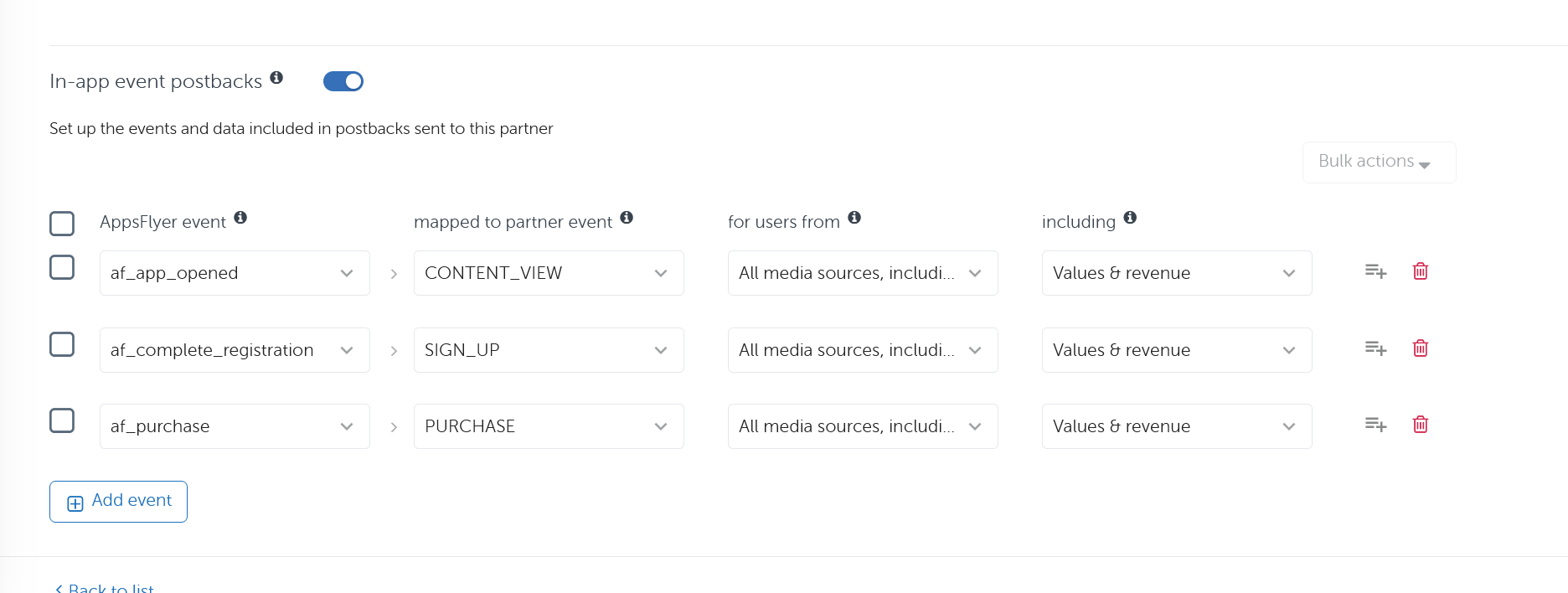
- Fill in the postback data using the provided example as a reference.