Changing the Interface Language
To change the interface language in ZM apps, follow these steps:
-
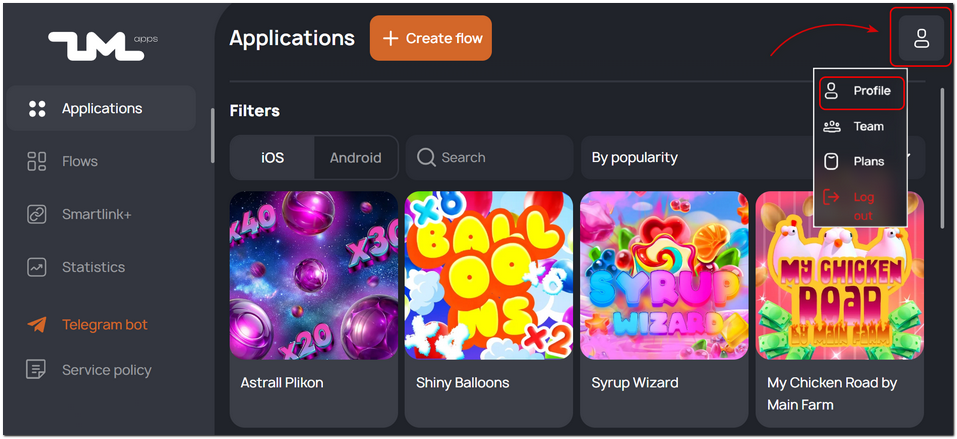
Go to your account settings → Profile.
-
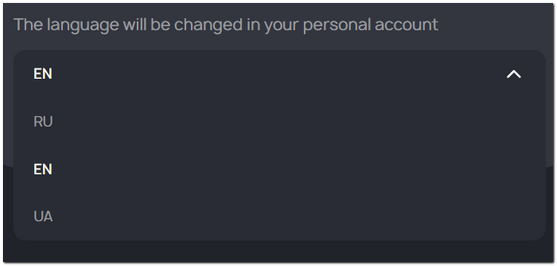
Select your preferred language from the dropdown menu.
-
Refresh the page.
That’s it! ZM apps will now be displayed in your chosen language.